
Fintech · Mobile experience
NEBULINKA little knowledge. A lot more confidence.
Helping new traders learn, practice, and follow stocks and cryptocurrency.
 Finance & education / 5 months
The short version
New traders face complex platforms, unfamiliar terms, and few ways to practice without risking money.
- Contribution
- Research, Branding, Usability testing, UX/UI Design, Prototypes.
- Duration
- 5 months
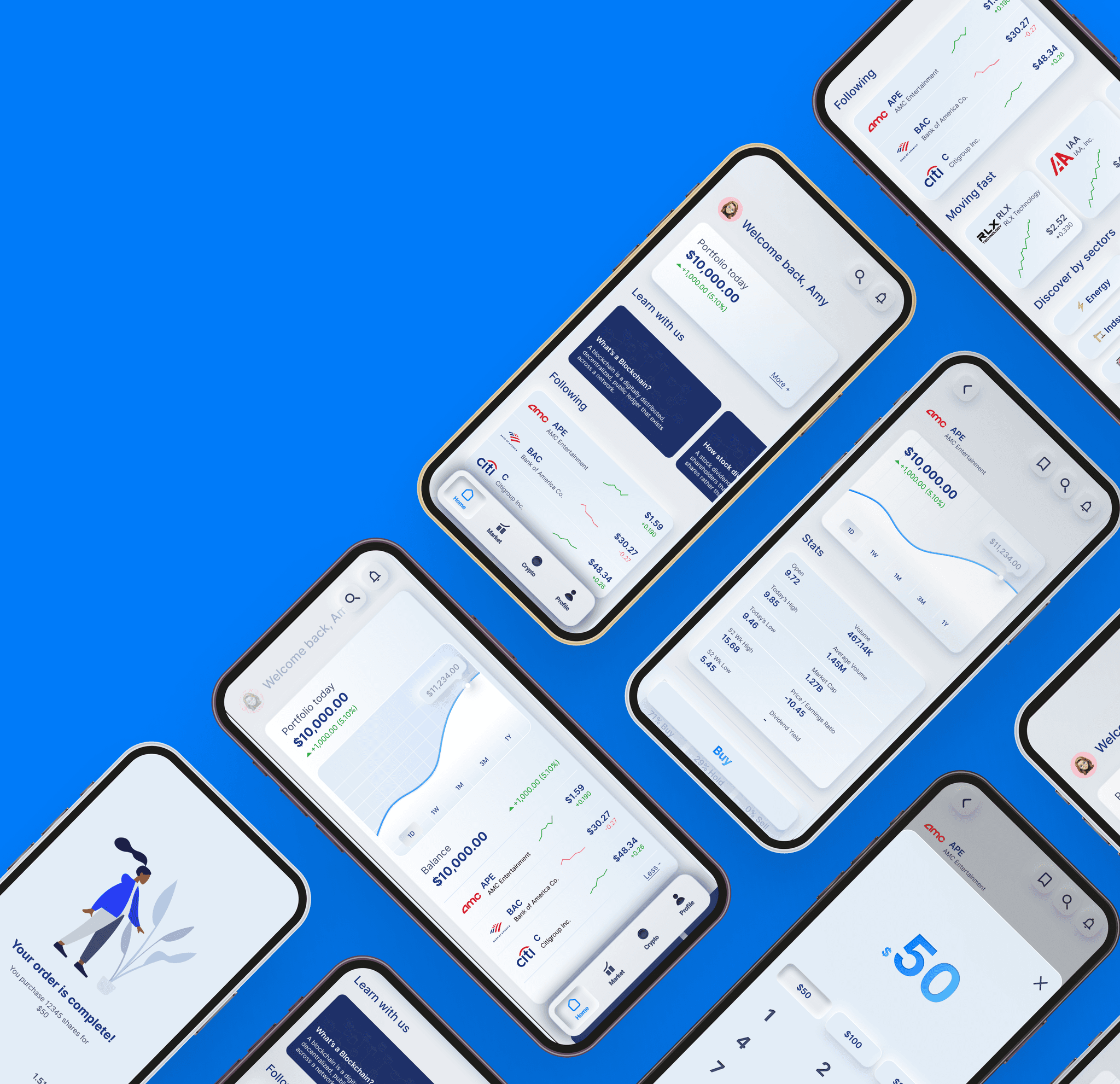
Nebulink brings stock and cryptocurrency trading, lessons, and a virtual trading simulator into one mobile app.
I was the sole designer, conducting interviews and usability tests and developing the identity, wireframes, and prototypes in Figma.
Understanding the problem.
01 / Design study
The project
Design goals
- Guide beginners through onboarding and their first trades.
- Keep market data and educational content easy to scan.
- Provide a simulator for practice before trading with real money.
What I learned
Learning tools need to sit close to the decisions they explain. The simulator offers a place to practice; forums and expert insights offer a place to ask questions.
02 / Design study
Understanding the user
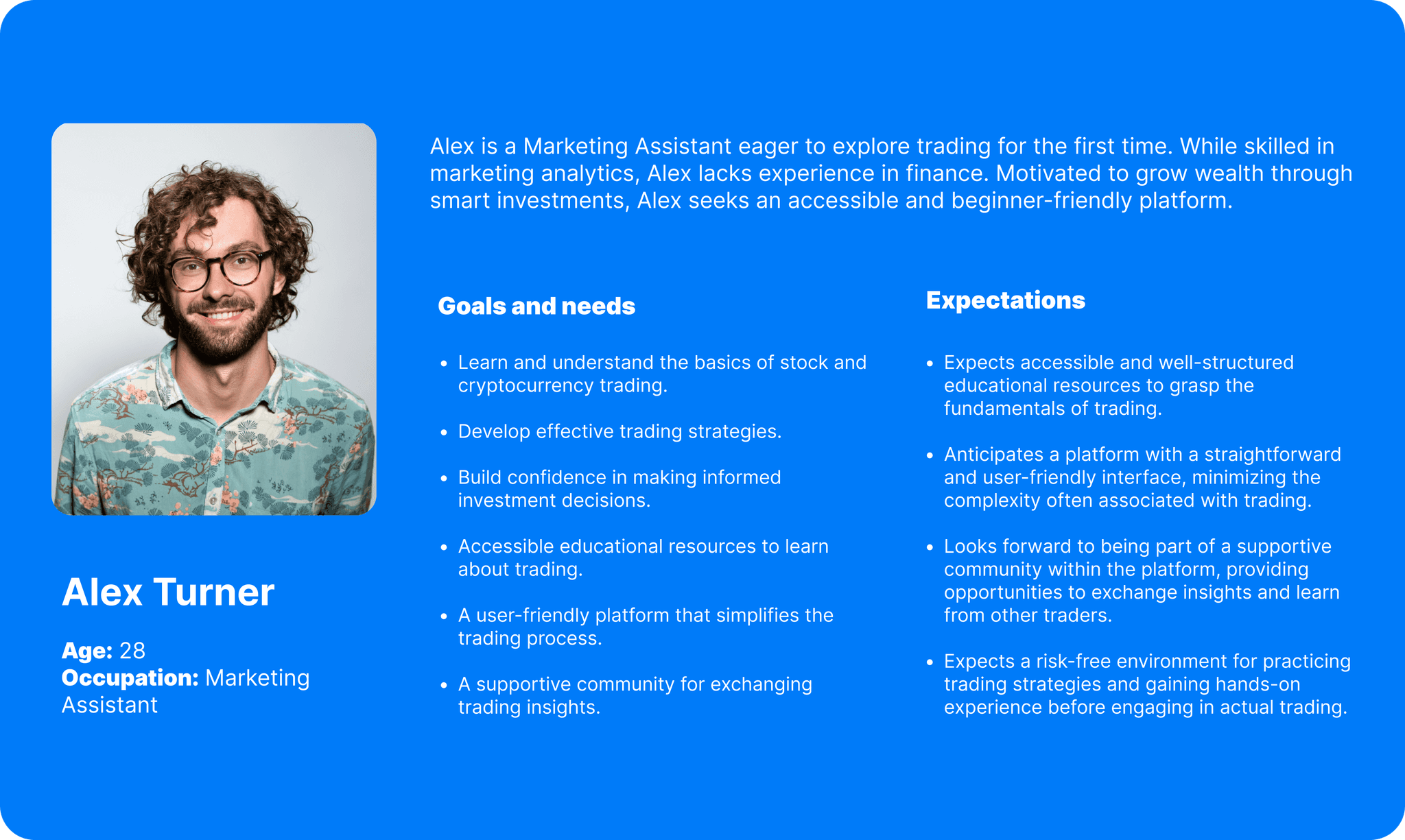
Interview participants felt overwhelmed by trading and unsure how it worked. They wanted explanations they could use while learning the process.
Pain points
- Limited educational resources.
- Complicated buying and selling flows.
- No safe place to test trading strategies.
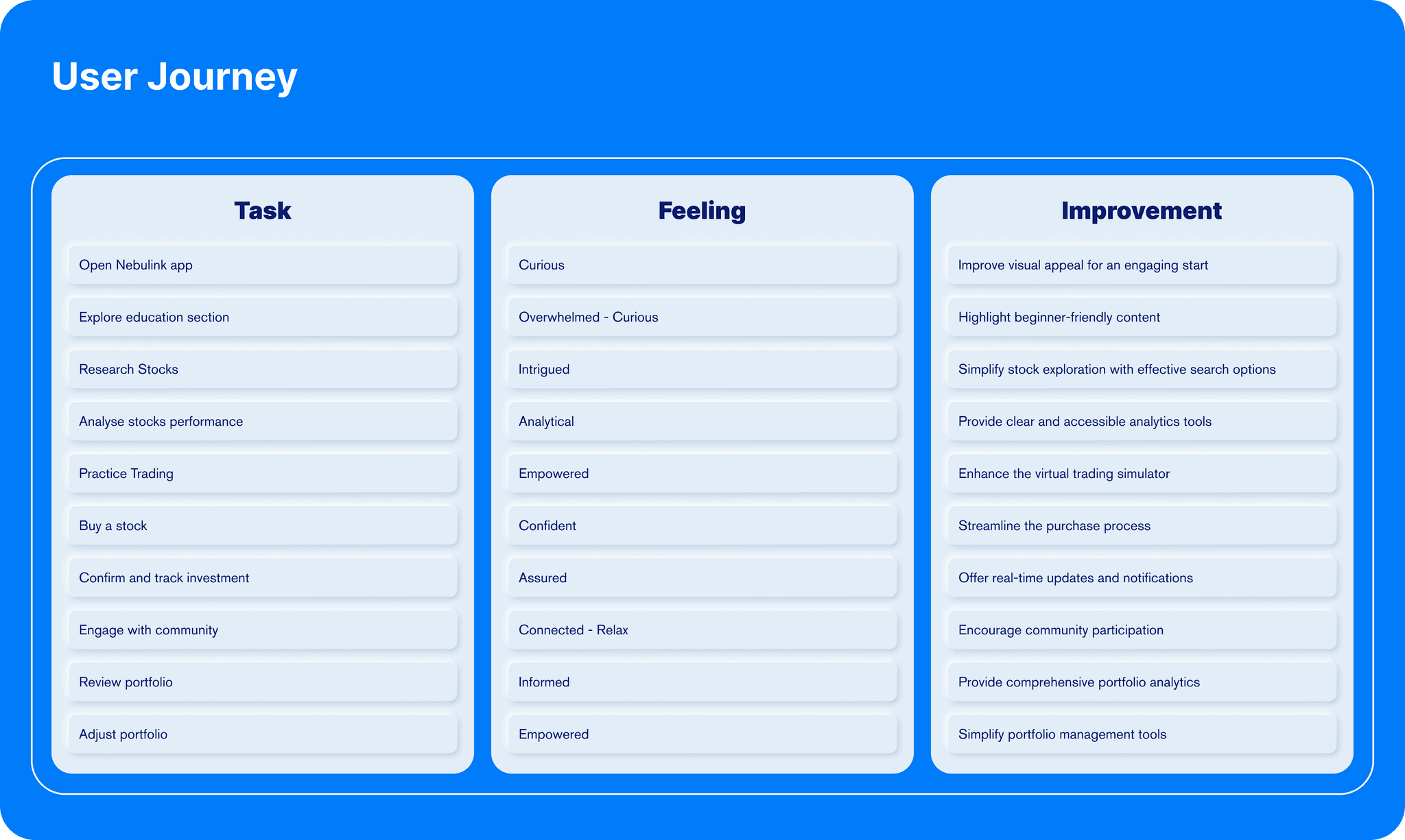
Turning insights into interactions.
03 / Design study
Design Process
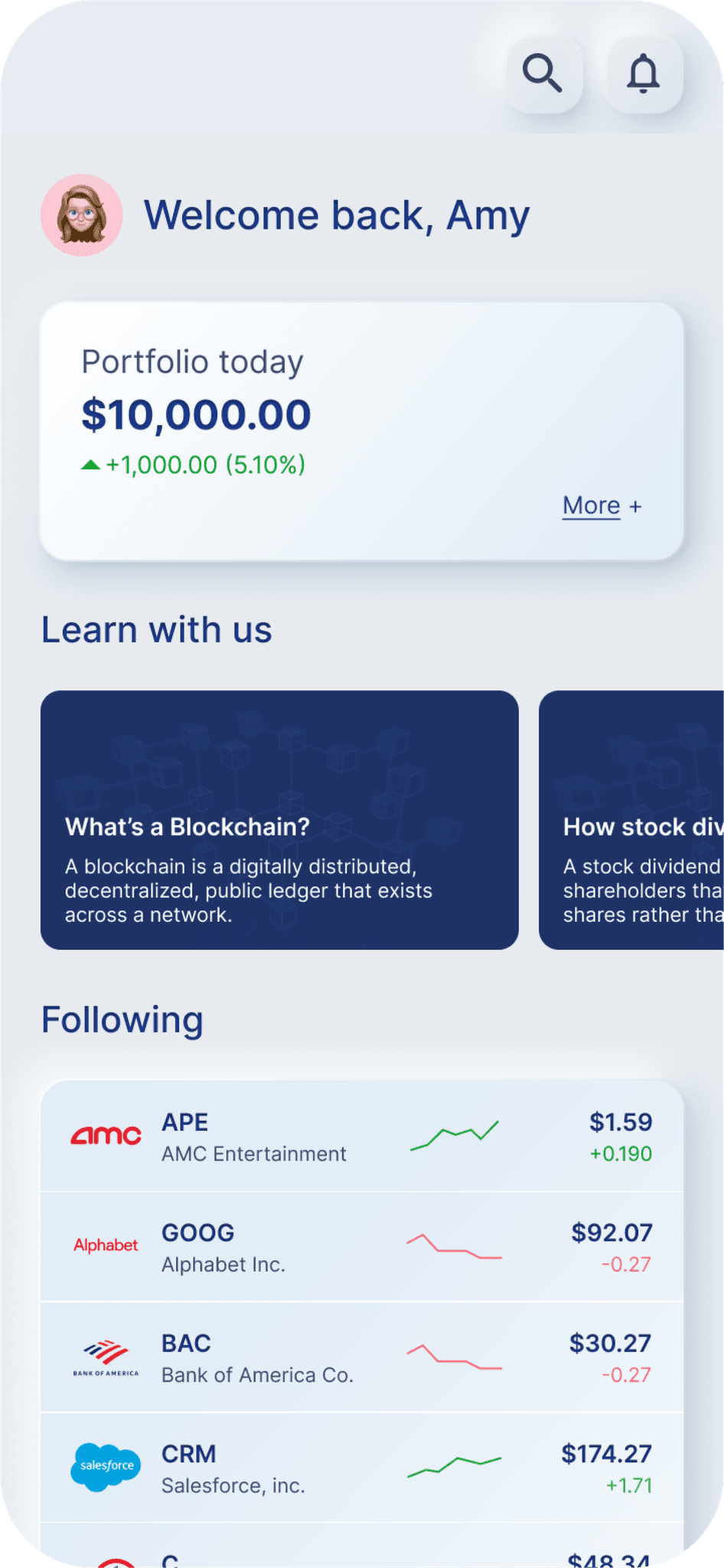
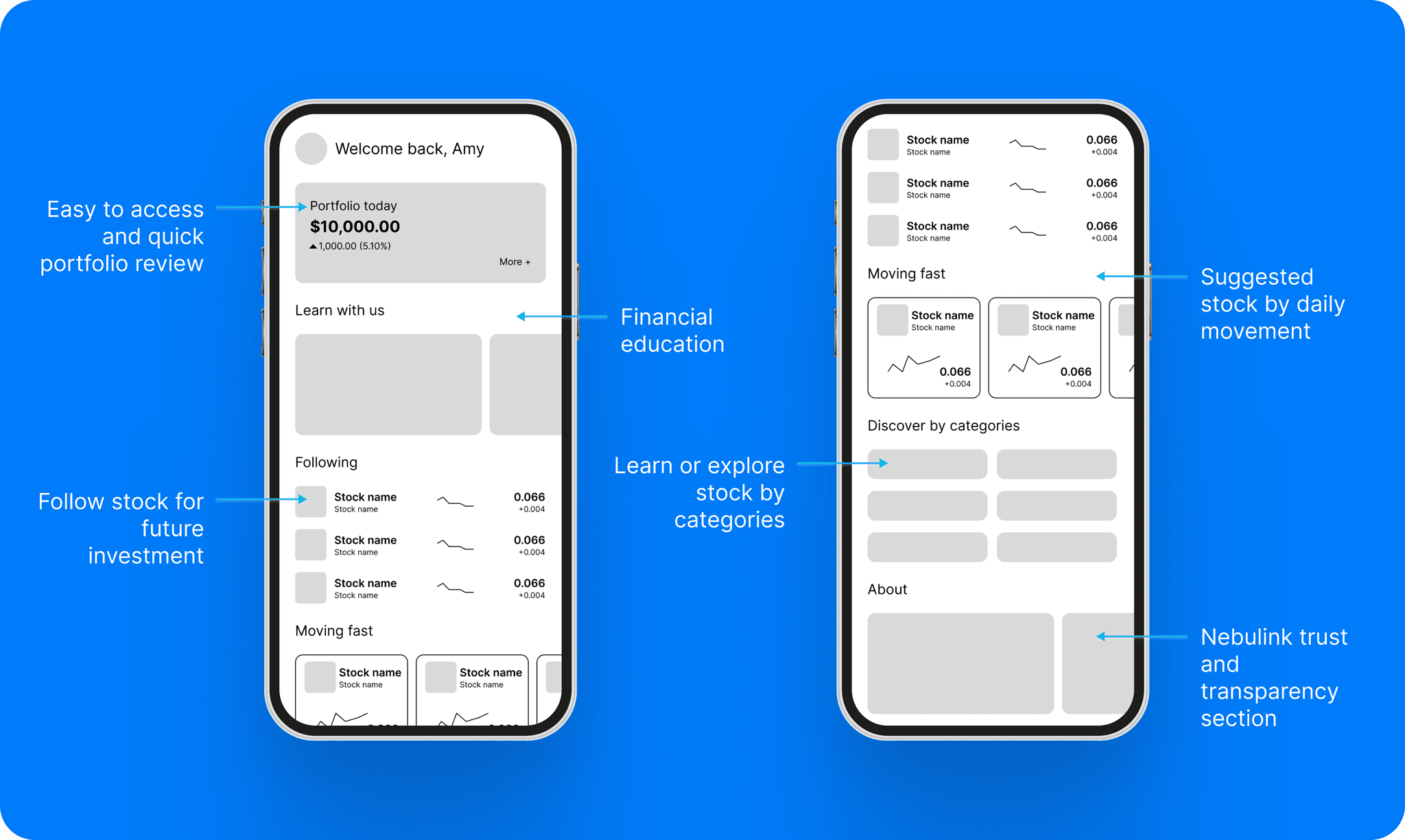
I explored each screen on paper before making wireframes. The home screen puts portfolio performance first, with access to trading tools and learning resources.
04 / Design study
Feedback
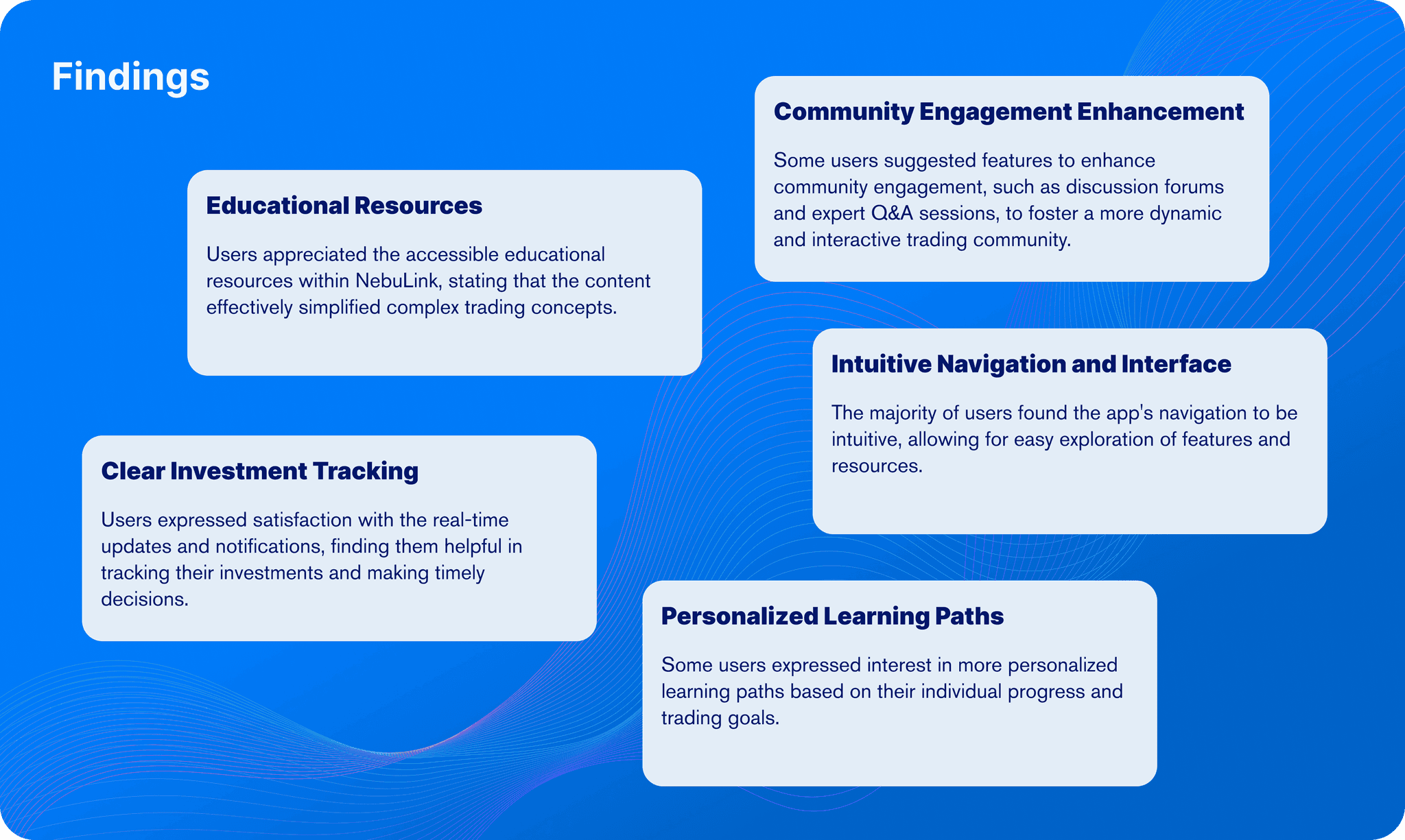
Participants asked for guidance and community support alongside trading tools.
05 / Design study
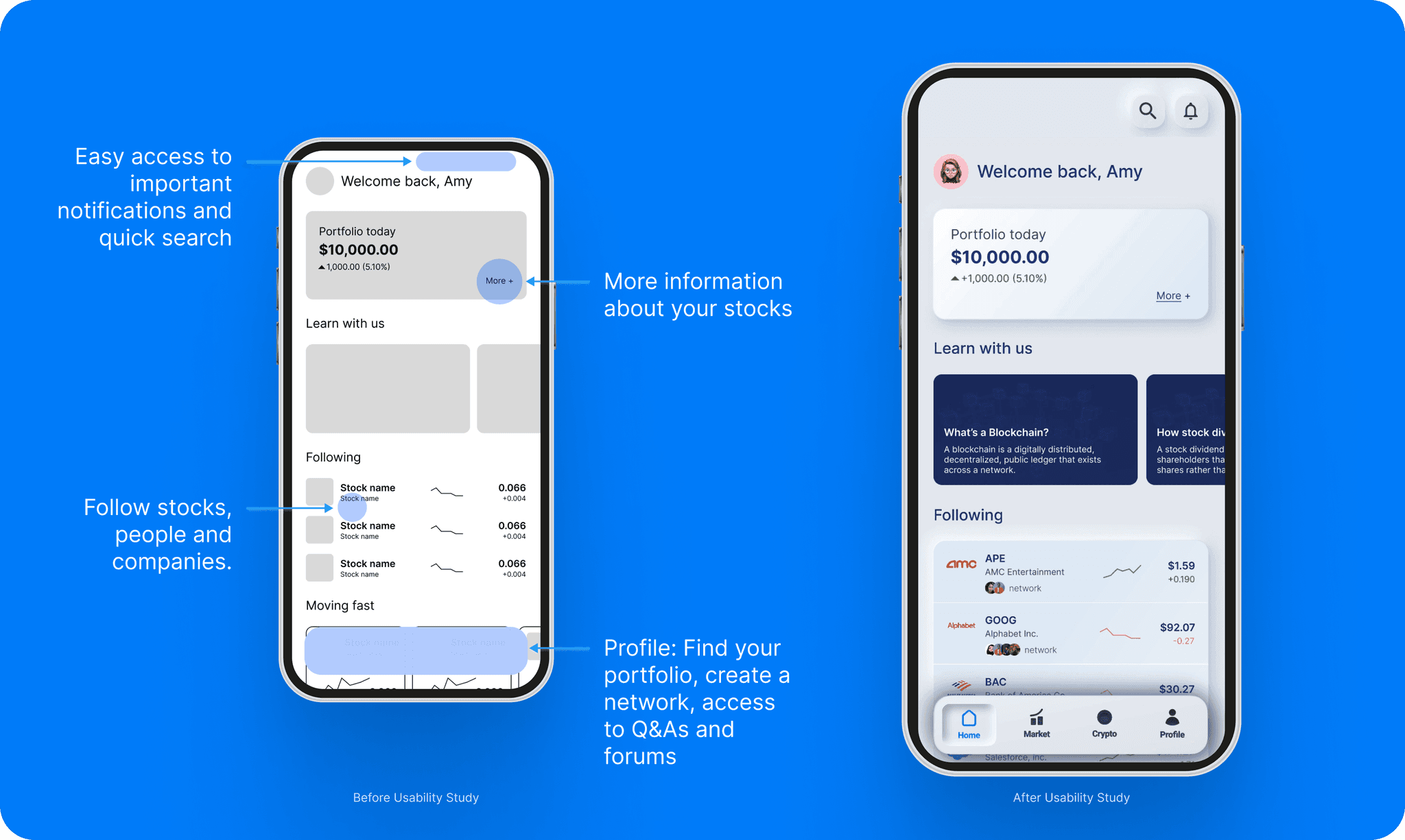
Redefining the Design
06 / Design study
Purchase
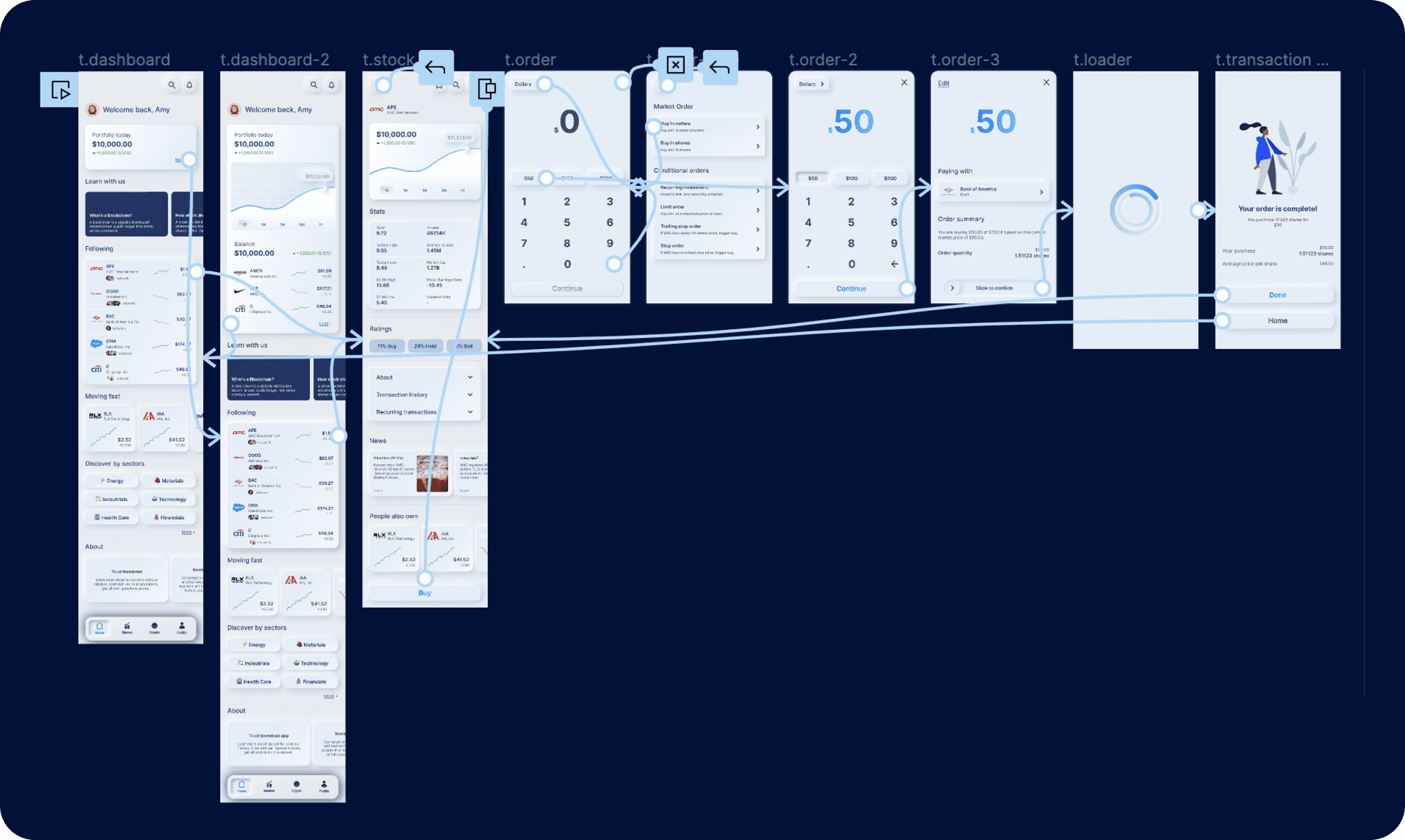
The purchase flow shows the token, charges, and selected bank account before confirmation.
07 / Design study
Stock/Crypto
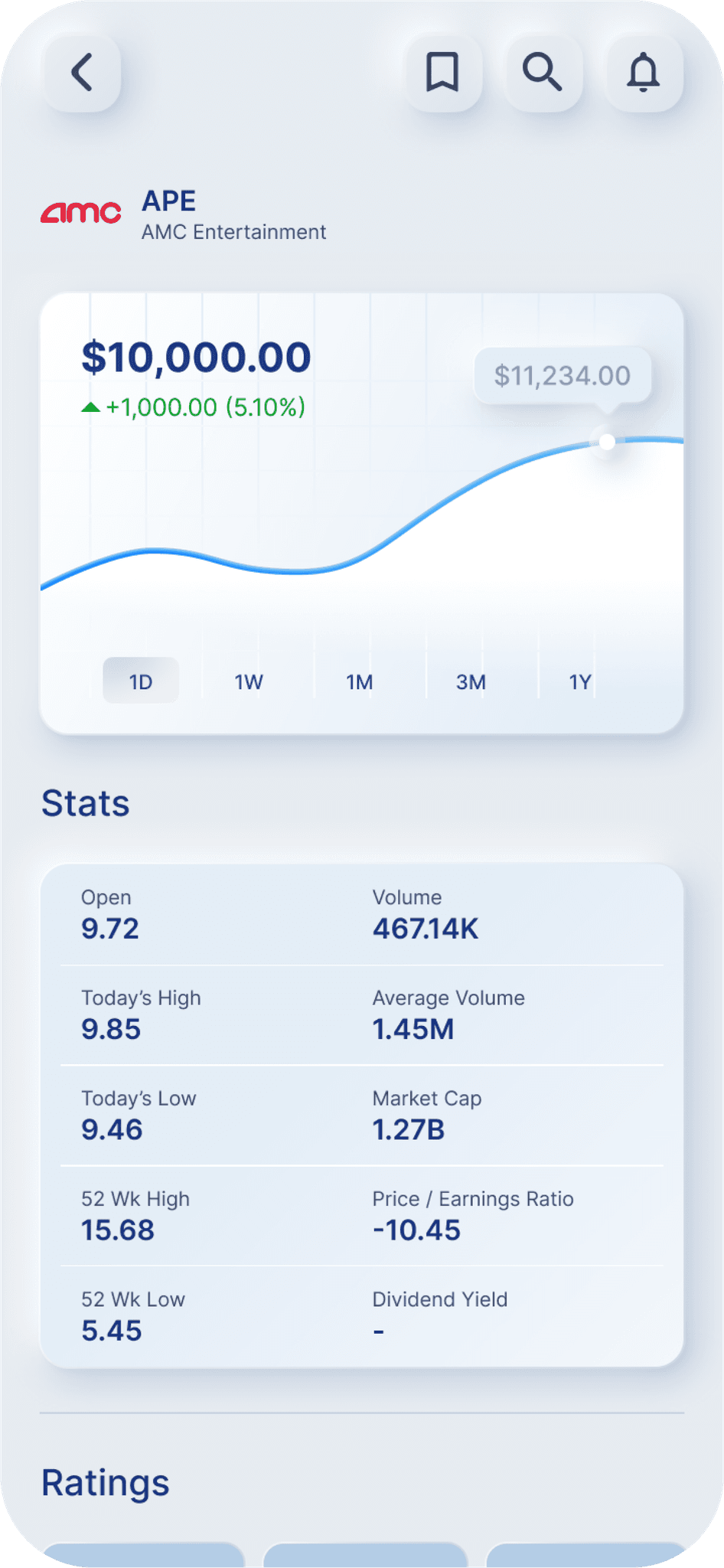
Each asset page brings together performance, ratings, related articles, and forums.
08 / Design study
Dashboard
The dashboard collects followed assets, categories to explore, and recent articles and discussions.
Looking beyond the screen.
09 / Design study
Accessibility Considerations
- Use sufficient color contrast.
- Adapt layouts to different screens and orientations.
- Give forms clear labels, error messages, and a logical tab order.
- Explain unfamiliar terms in plain language.
10 / Design study
Next Steps
- Test the trading and learning flows with users.
- Use feedback to prioritize new tools.
- Expand lessons to cover advanced strategies and market trends.