
Commerce · Research & interaction
WAO SHOPSmall businesses. Bigger possibilities.
Giving small business owners tools to promote products and sell to their communities.
 Commerce & community / 11 months
The short version
WAO! Shop sellers leave the app to find tools for promoting their products.
- Contribution
- Research, Usability testing, Competitive audit, Wireframes, Prototypes, Presentations.
- Duration
- 11 months
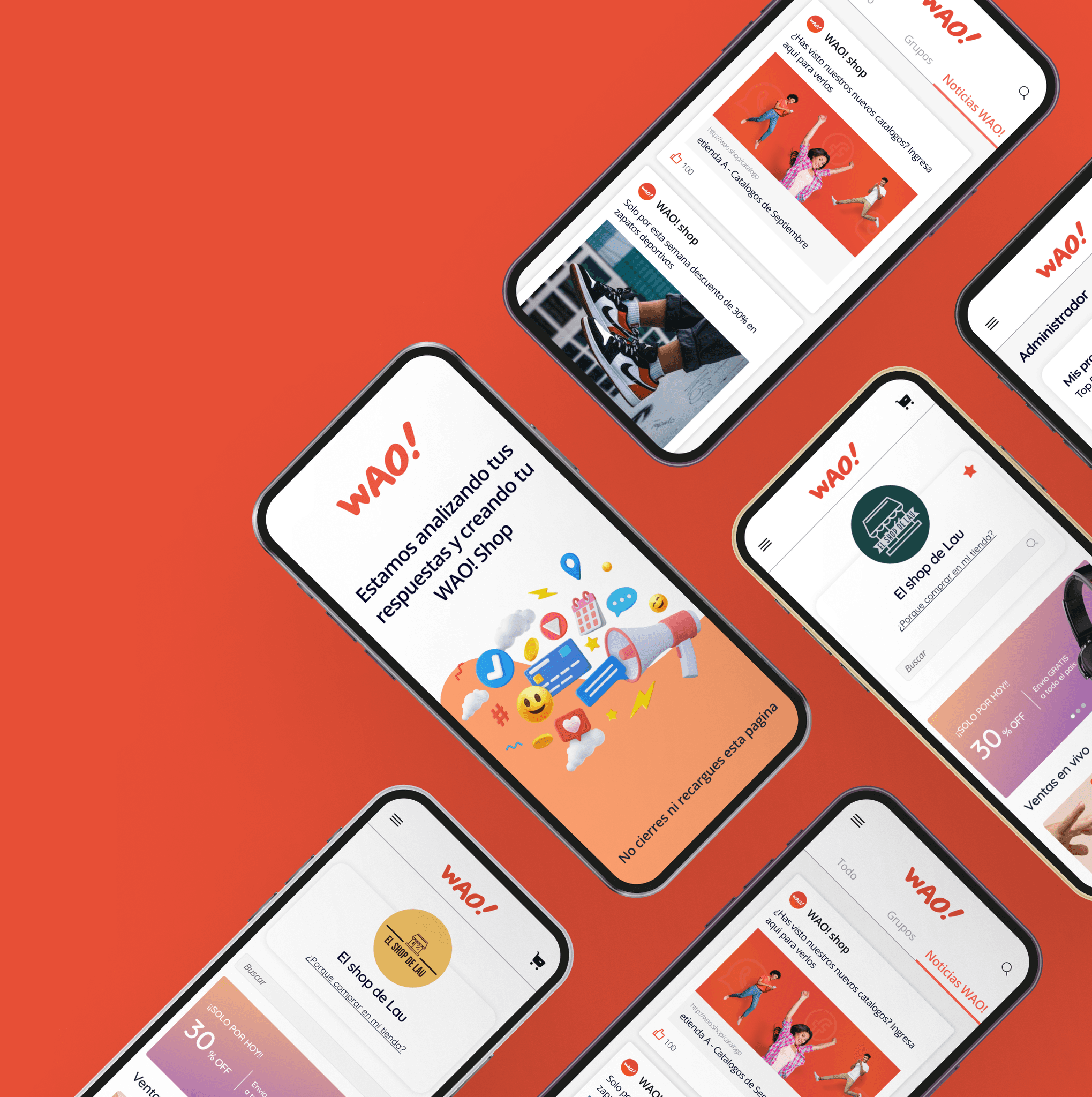
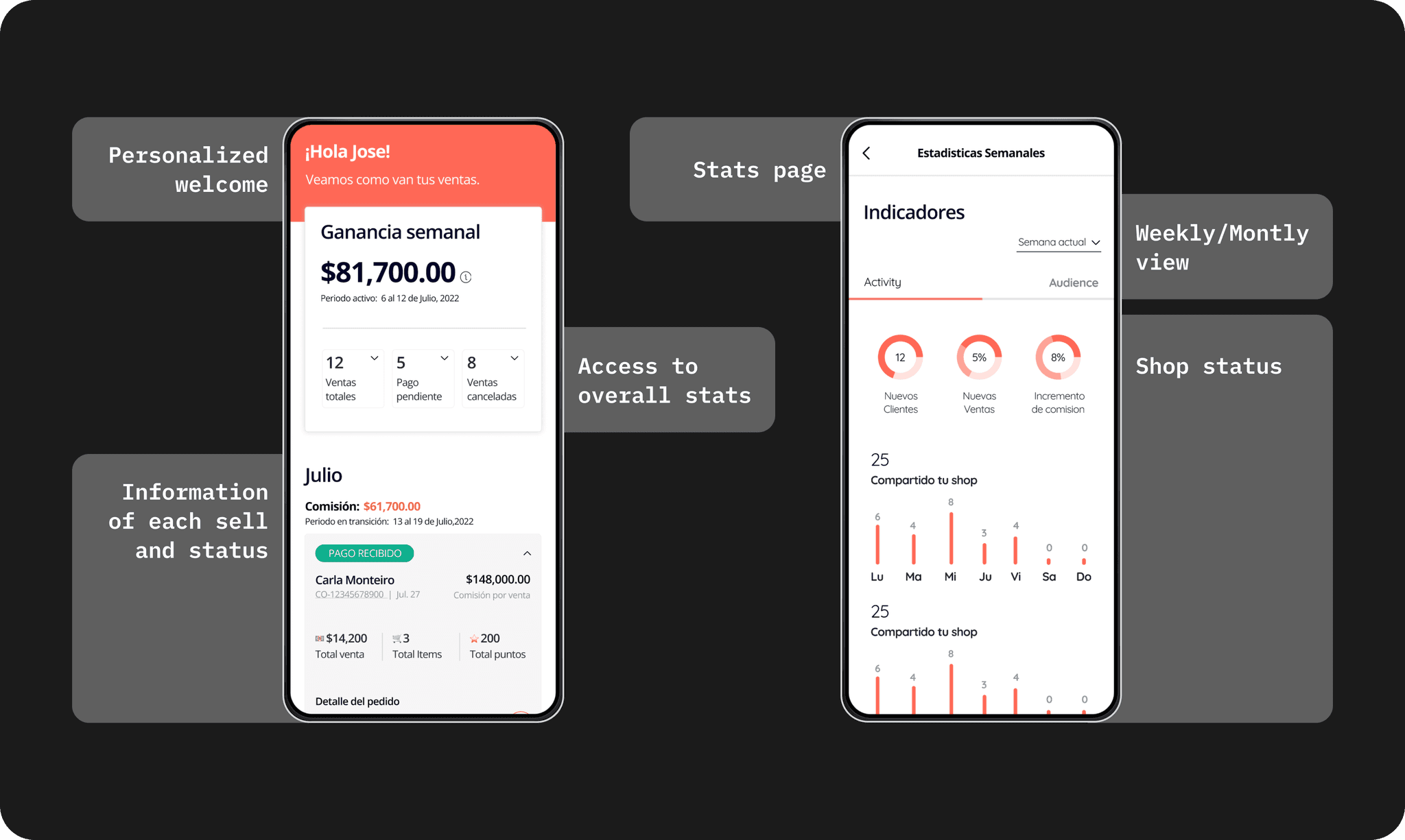
WAO! Shop helps small business owners sell to their social media communities.
I researched seller needs, tested prototypes, and designed features using the existing design system. I worked with developers and stakeholders through short design iterations.
Understanding the problem.
01 / Design study
The project
Design goals
- Let sellers promote products within the app.
- Encourage repeat use through useful selling tools.
- Explore revenue from advertising or premium features.
What I learned
New features need to fit familiar workflows. Clear labels and consistent navigation matter as much as the features themselves.
02 / Design study
Understanding the user
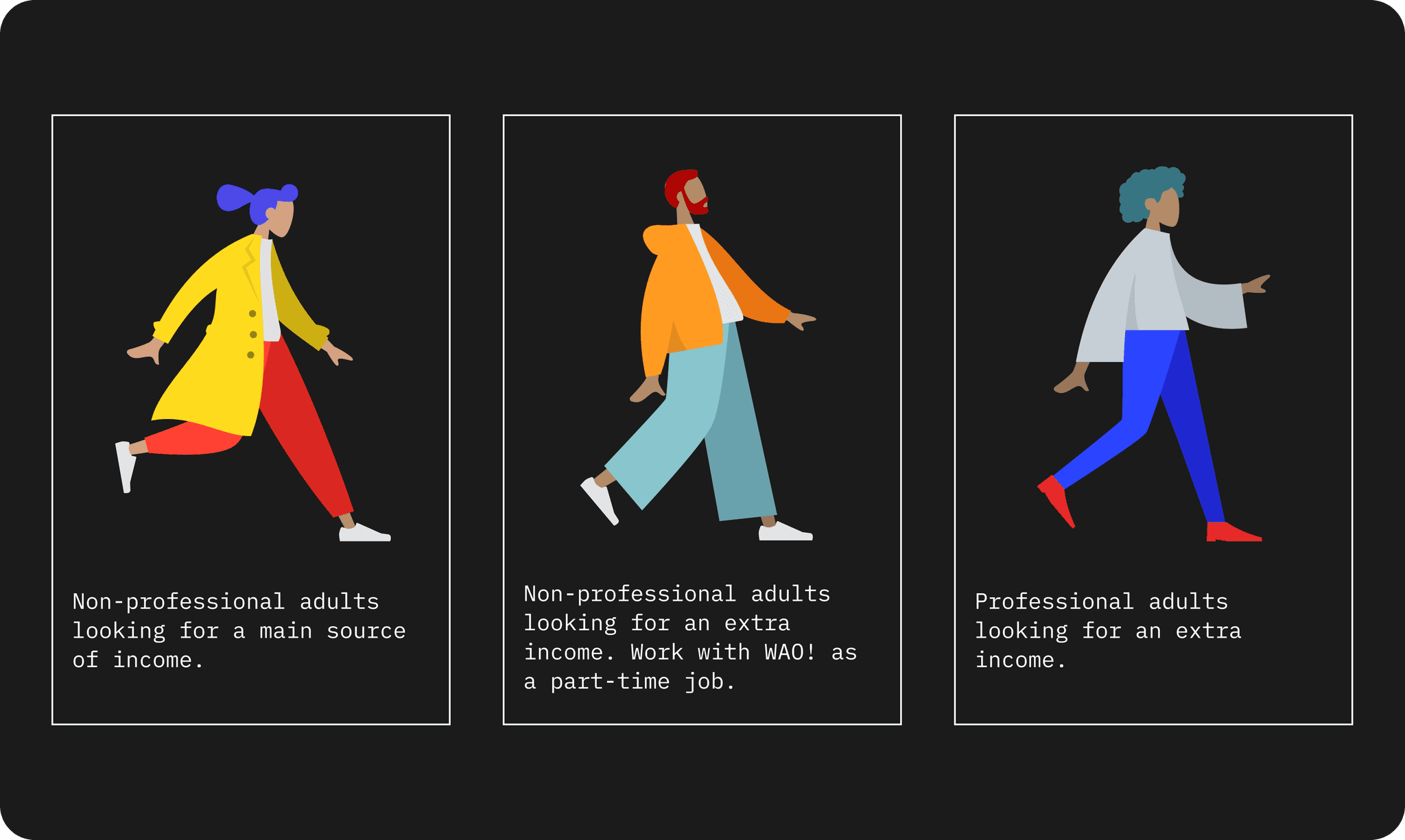
I interviewed and tested with WAO! Shop socios and super socios, the platform’s sellers.
What sellers needed
- Direct communication through WhatsApp.
- More product images and videos.
- A shorter checkout and clearer delivery information.
- Readable type and easier navigation.
- Training suited to different experience levels.
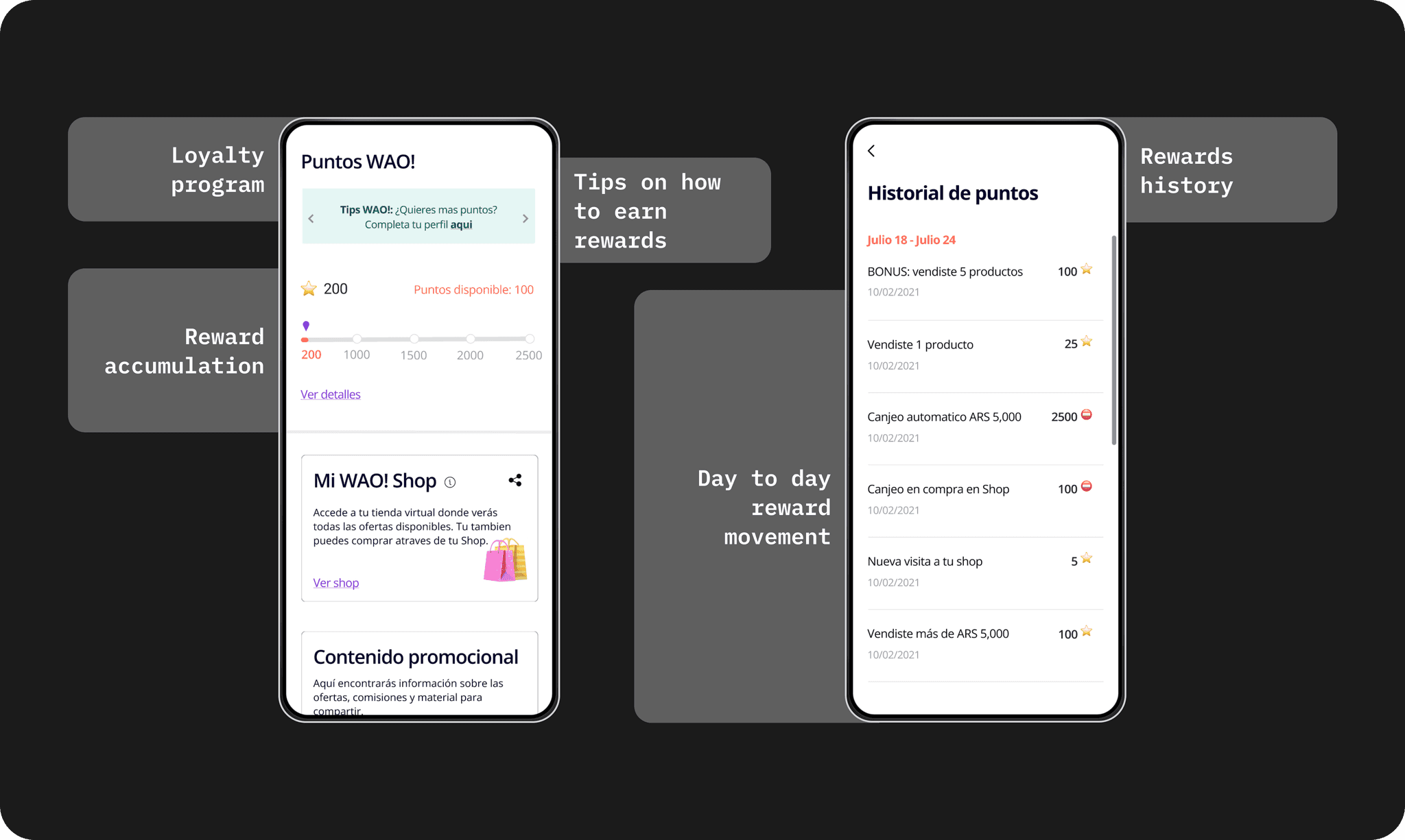
- Ways to earn and redeem points.
Turning insights into interactions.
03 / Design study
Usability Testing
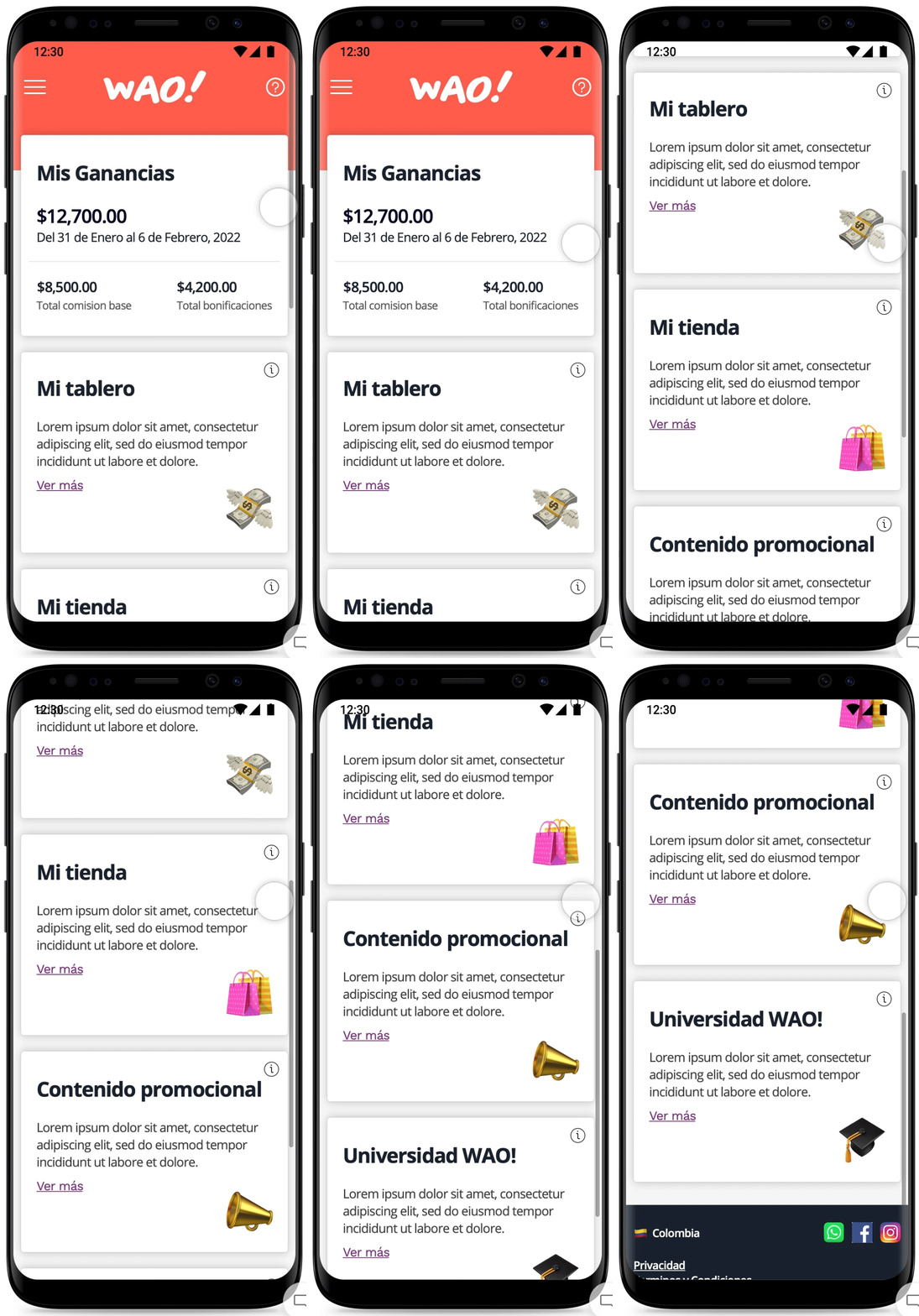
Testing revealed confusion about redeeming points and using them with clients. Sellers also asked for guidance on payments and delivery, and videos to help explain products.
Initial design
04 / Design study
Redefining the Design
05 / Design study
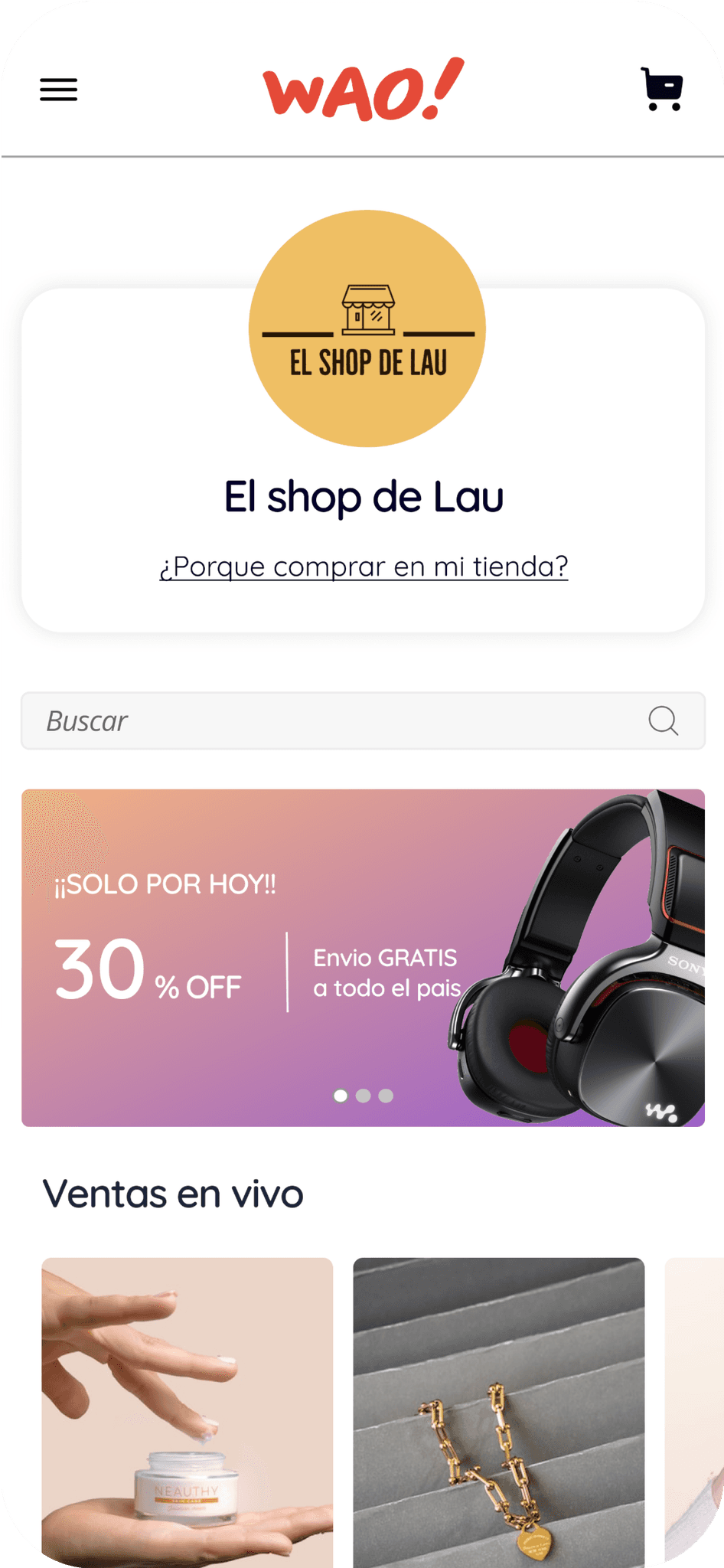
Virtual store
Sellers create catalogs for their customers, add a name and logo, and host live sessions to introduce products.
06 / Design study
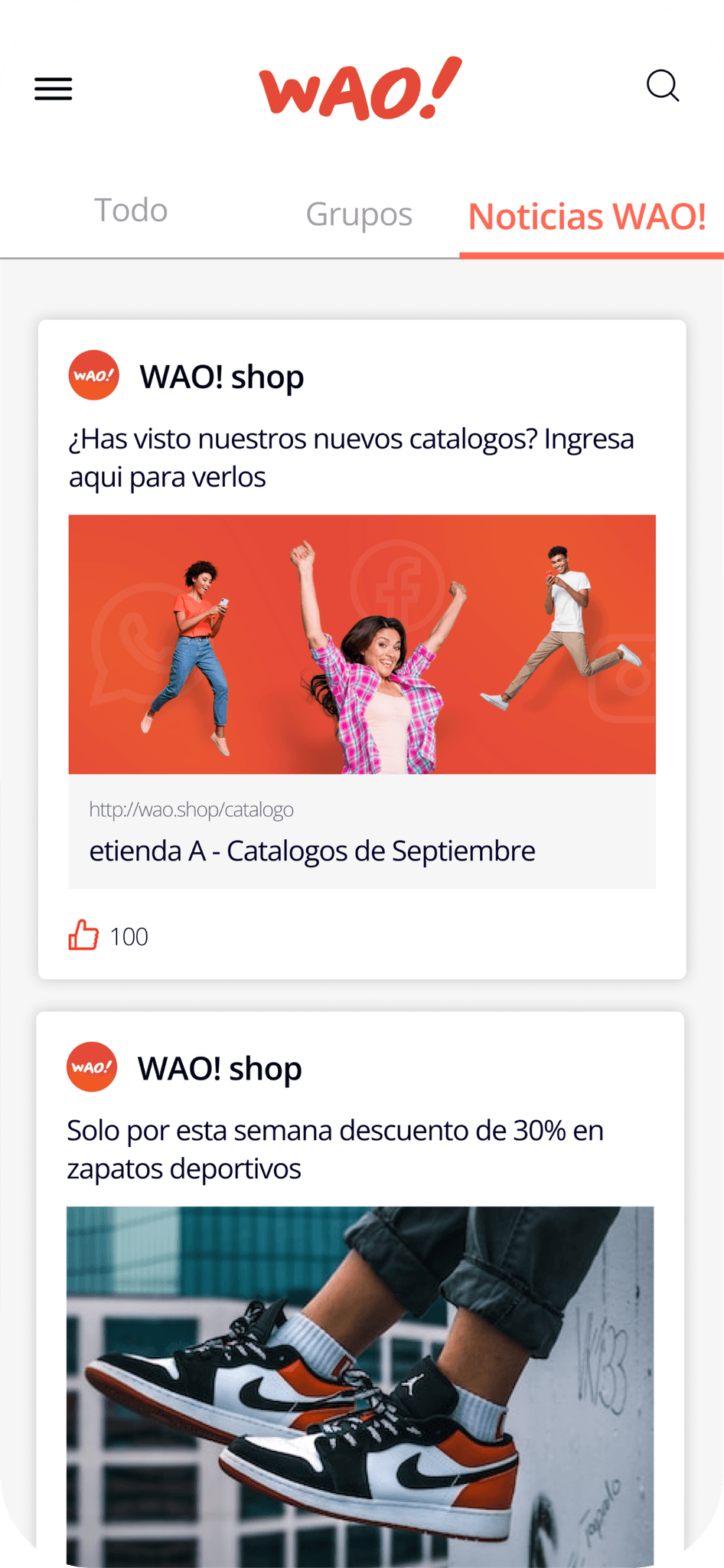
Feed
The feed shows activity from other sellers and lets users earn points for participating.
07 / Design study
Questionnaire
Questions in four categories help match sellers with resources for their goals.
Looking beyond the screen.
08 / Design study
Accessibility Considerations
- Use consistent navigation and clear labels.
- Choose readable type sizes.
- Adapt layouts to different screens and orientations.
- Provide video captions or transcripts.
09 / Design study
Next Steps
- Test with sellers of different abilities.
- Prioritize accessibility barriers found in testing.
- Check whether revisions resolve those barriers.